IIViewer
A thoughtful tool designed for image signal process developers


A thoughtful tool designed for image signal process developers
Support for RAW, MIPI-RAW, RGBIR-RAW, YUV, HEIF and various ISP intermediate image formats with 8-24 bit depth.
Zoom in up to 96X to see every pixel's real value. Perfect for analyzing ISP pipeline output.
Built-in data visualization tools for analyzing image statistics and pixel data distribution.
Compare two images side by side with difference reporting and analysis tools.
Interactive curve adjustment for tone mapping and color correction preview.
Available on Windows, Linux, and macOS with native support for multiple architectures.
Windows 10/11
AMD64 Architecture
MSVC & MinGW64
Ubuntu 22.04+
AMD64 & ARM64
DEB & AppImage
Apple Silicon
ARM64
DMG & PKG
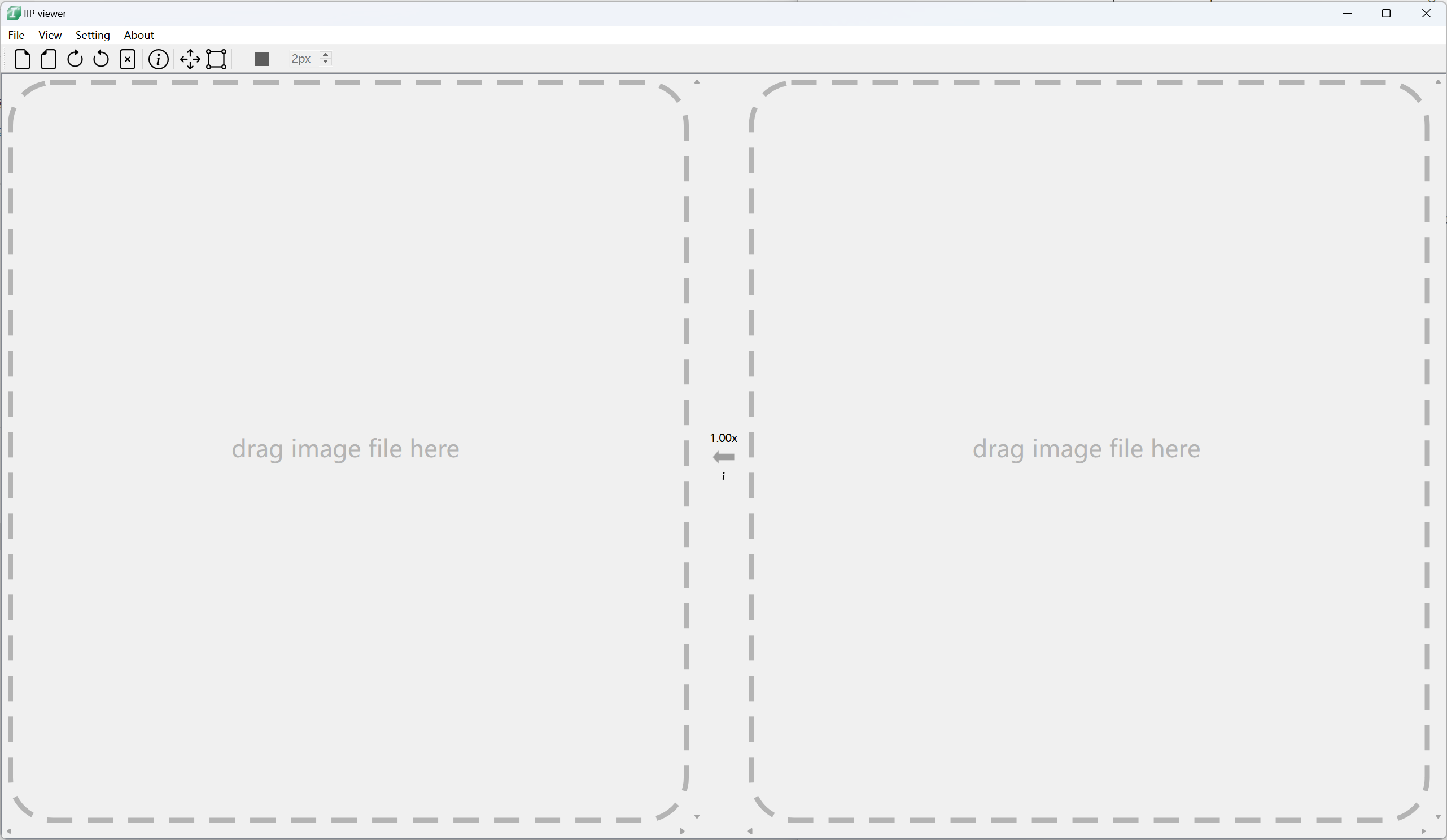
Windows Main Interface
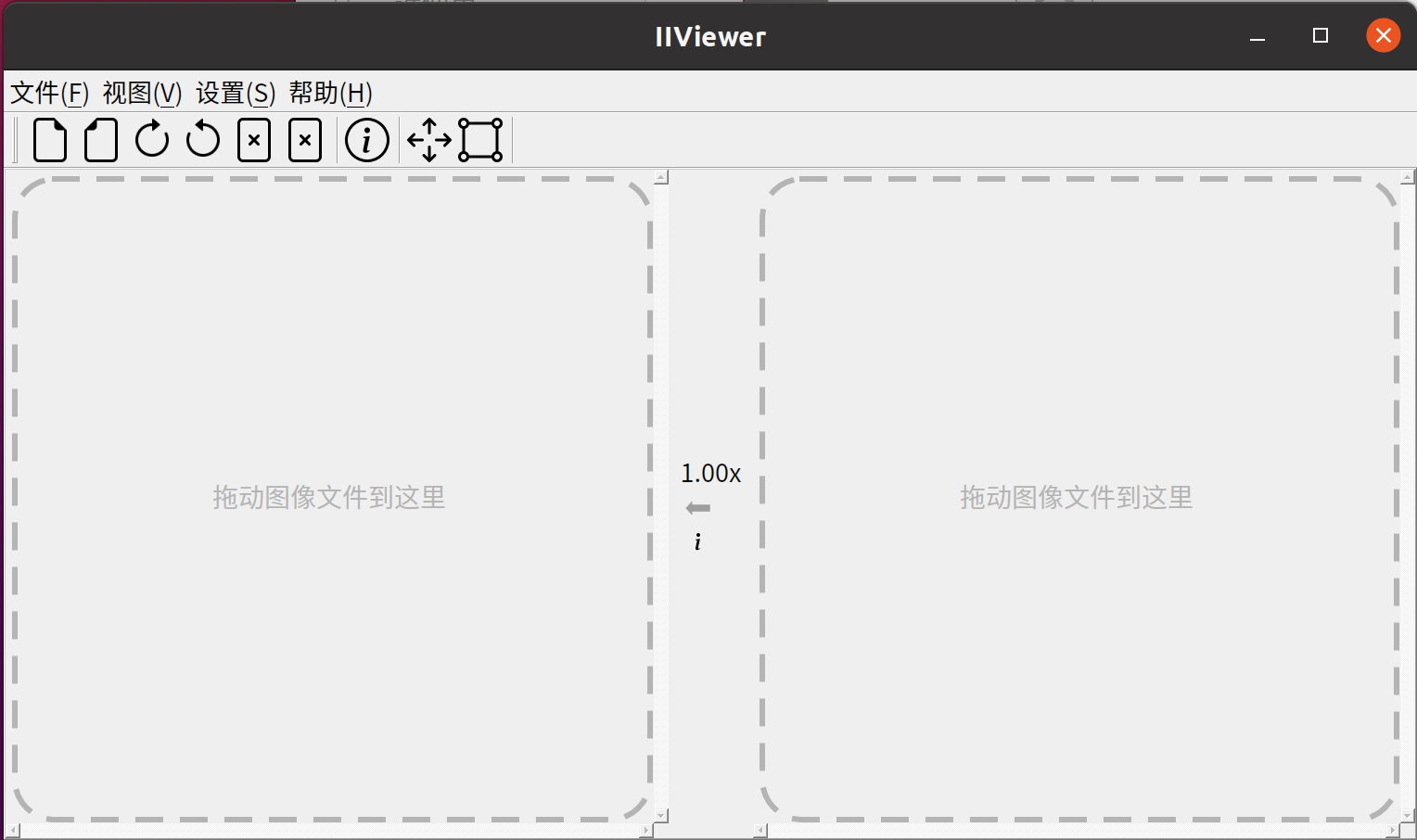
Ubuntu Interface
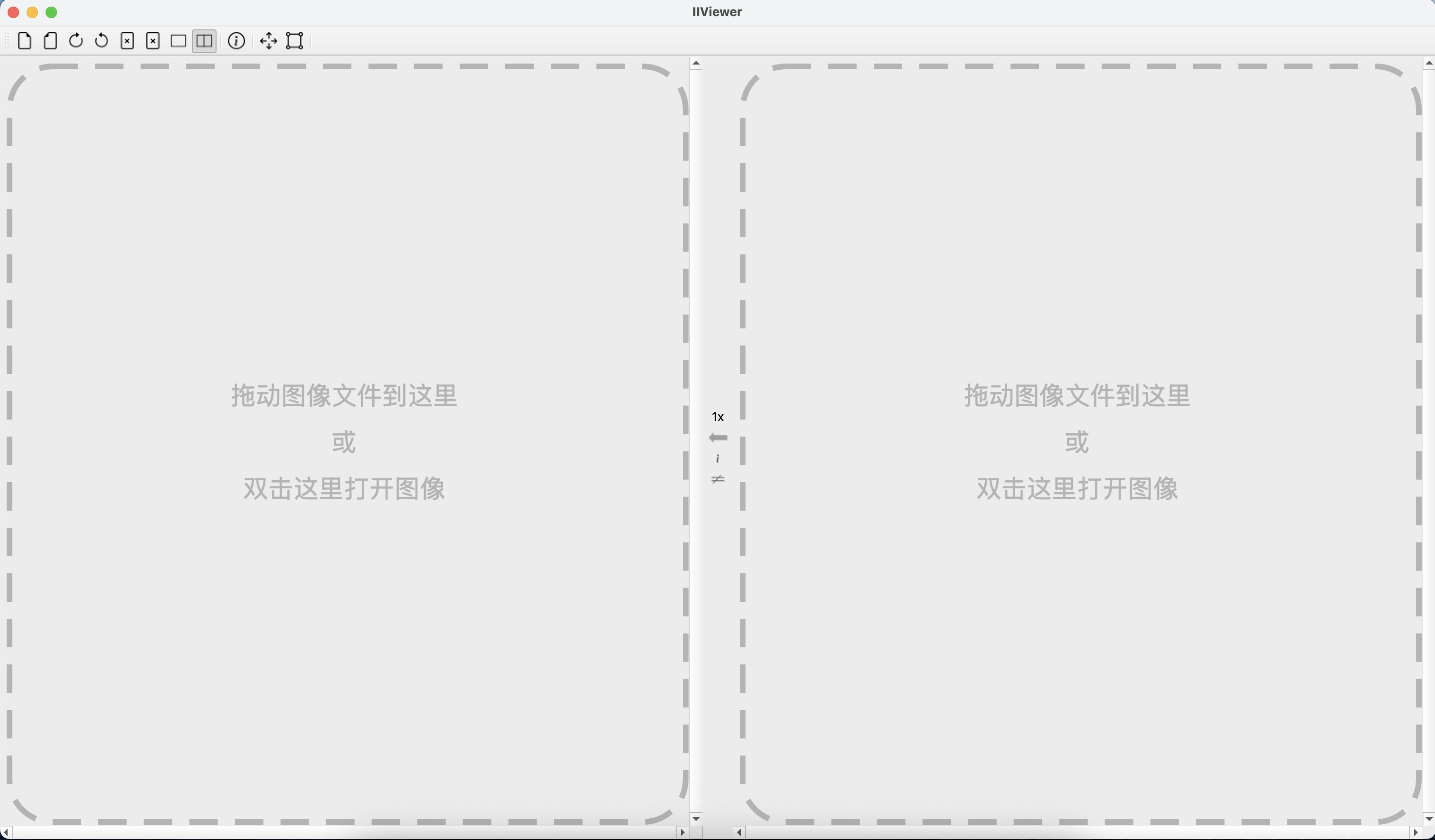
macOS Interface
Download the appropriate version for your system from the release page, launch the application and drag an image to the window to view it.
Tip: When you zoom in to 96X using the mouse wheel, you can see the real value of each pixel - perfect for ISP development and debugging.
Prerequisites: CMake (>=3.20), MSVC or MinGW64 (C++17), Qt5.15+, OpenSSL, libheif
git clone https://github.com/JonahZeng/IIViewer.git
cd IIViewer
mkdir build && cd build
cmake .. -DCMAKE_PREFIX_PATH=YOUR_QT_INSTALL_DIR
cmake --build . --config Release
Prerequisites: Install dependencies on Ubuntu 22.04:
sudo apt install build-essential libssl-dev qtbase5-dev \
    libqt5datavisualization5-dev qtbase5-dev-tools \
    libqt5charts5-dev qttools5-dev-tools qttools5-dev

git clone https://github.com/JonahZeng/IIViewer.git
cd IIViewer
mkdir build && cd build
cmake .. -DCMAKE_BUILD_TYPE=Release
cmake --build . -j 4
Prerequisites: Install Qt5 via Homebrew:
brew install qt@5

git clone https://github.com/JonahZeng/IIViewer.git
cd IIViewer
cmake -B ./build -S . -DCMAKE_BUILD_TYPE=Release \
    -DCMAKE_PREFIX_PATH=/opt/homebrew/opt/qt@5
cmake --build . -j 4
For detailed build instructions, see the full README.md